Blog
Best webcams you can still buy


The French lettering company Letraset manufactured a set of dry-transfer sheets which included the lorem ipsum filler text in a variety of fonts, sizes, and layouts. These sheets of lettering could be rubbed on anywhere and were quickly adopted by graphic artists, printers, architects, and advertisers for their professional look and ease of use. Aldus Corporation, which later merged with Adobe Systems, ushered lorem ipsum into the information age with its desktop publishing software Aldus PageMaker.
The program came bundled with lorem ipsum dummy text for laying out page content, and other word processors like Microsoft Word followed suit. More recently the growth of web design has helped proliferate lorem ipsum across the internet as a placeholder for future text—and in some cases the final content (this is why we proofread, kids).
So when is it okay to use lorem ipsum? First, lorem ipsum works well for staging. It’s like the props in a furniture store—filler text makes it look like someone is home. The same WordPress template might eventually be home to a fitness blog, a photography website, or the online journal of a cupcake fanatic. Lorem ipsum helps them imagine what the lived-in website.
So when is it okay to use lorem ipsum? First, lorem ipsum works well for staging. It’s like the props in a furniture store—filler text makes it look like someone is home. The same WordPress template might eventually be home to a fitness blog, a photography website, or the online journal of a cupcake fanatic. Lorem ipsum helps them imagine what the lived-in website might look like.


Nor again is there anyone who loves or pursues or desires to obtain pain of itself, because it is pain, but occasionally circumstances occur in which toil and pain can procure him some great pleasure. To take a trivial example, which of us ever undertakes laborious physical exercise, except to obtain some advantage from it? But who has any right to find fault with a man who chooses to enjoy a pleasure that has no annoying consequences, or one who avoids a pain that produces no resultant pleasure?
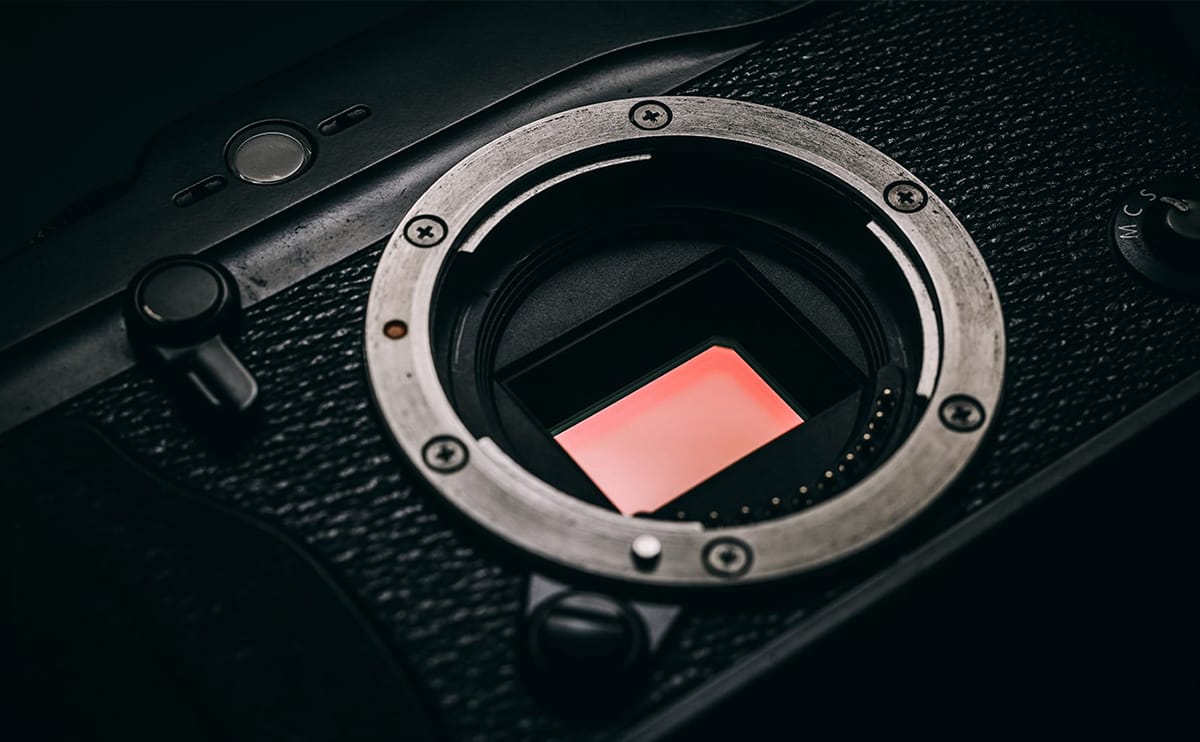
Moment announces its first accessories for mirrorless

2PCS Stainless Steel Pot & Pan Cleaning Brush Set – Long-Handled Scrubber with Hanging Hooks for Cookware & Sink Cleaning
Original price was: $25.98.$12.99Current price is: $12.99.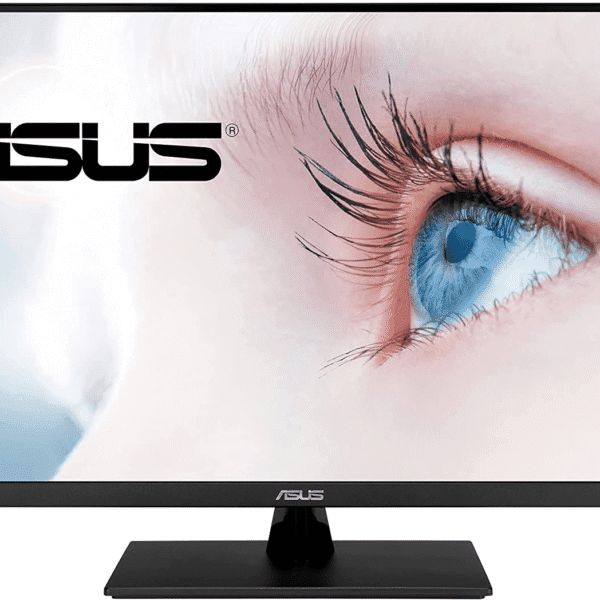
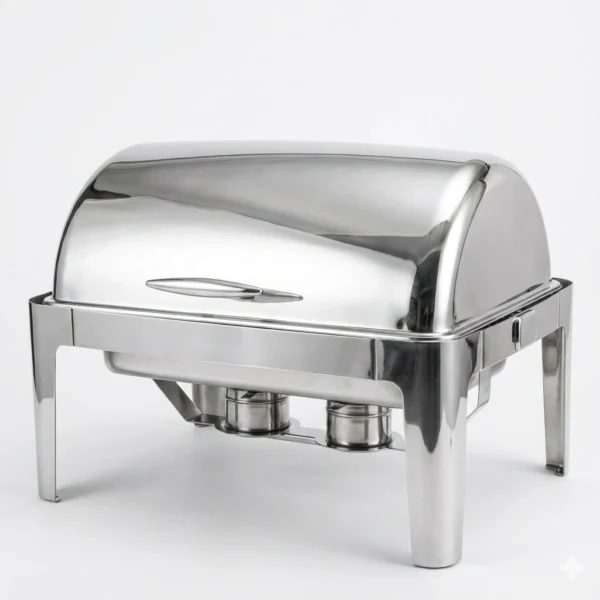
9L Stainless Steel Roll-Top Chafing Dish – Luxury Buffet Chafer
Original price was: $440.00.$220.00Current price is: $220.00.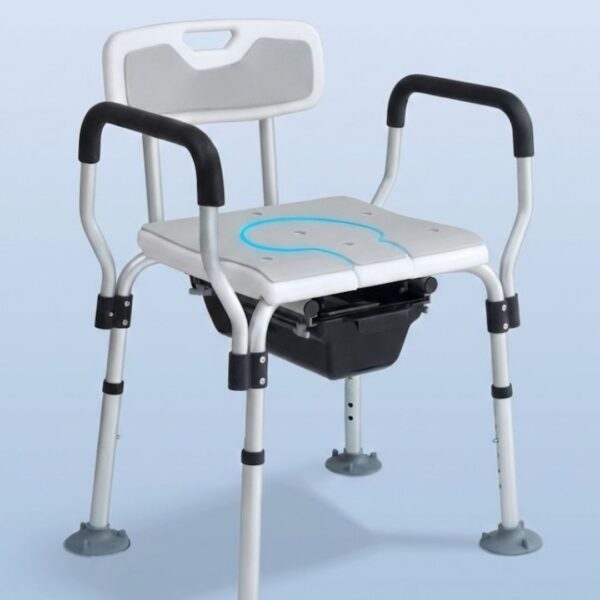
Bedside Commode Chair – Adjustable height Shower & Toilet Chair with Arms, Aluminum Frame
Original price was: $199.98.$99.99Current price is: $99.99.
Bedside Shampoo Basin – Portable Hair Washing Tray with Adjustable Legs
Original price was: $119.98.$59.99Current price is: $59.99.But I must explain to you how all this mistaken idea of denouncing of a pleasure and praising pain was born and I will give you a complete account of the system, and expound the actual teachings of the great explorer of the truth, the master-builder of human happiness. No one rejects, dislikes, or avoids pleasure itself, because it is pleasure, but because those who do not know how to pursue pleasure rationally encounter consequences that are extremely painful.
Nor again is there anyone who loves or pursues or desires to obtain pain of itself, because it is pain, but occasionally circumstances occur in which toil and pain can procure him some great pleasure. To take a trivial example, which of us ever undertakes laborious physical exercise, except to obtain some advantage from it? But who has any right to find fault with a man who chooses to enjoy a pleasure that has no annoying consequences, or one who avoids a pain that produces no resultant pleasure?